See it on stage
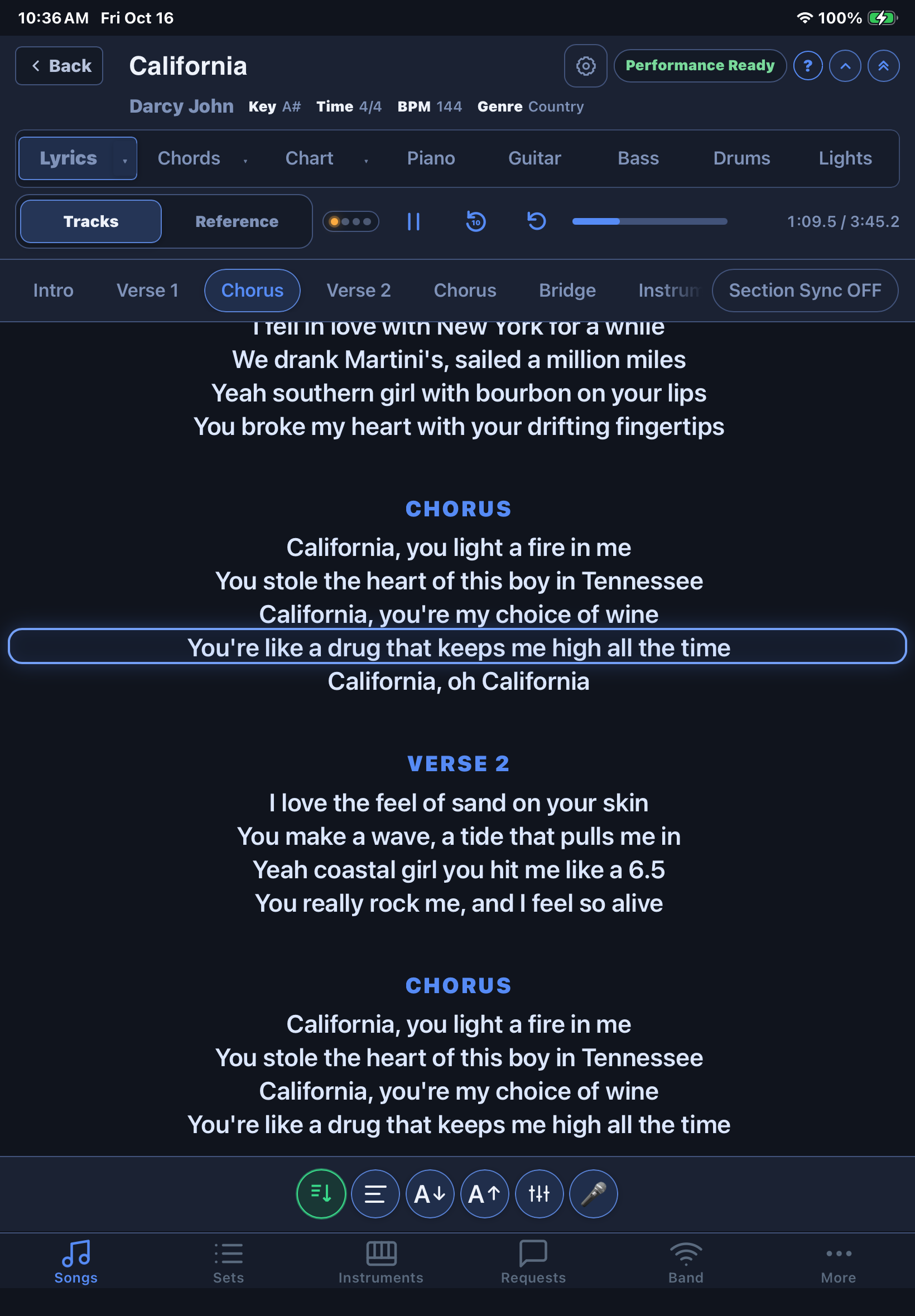
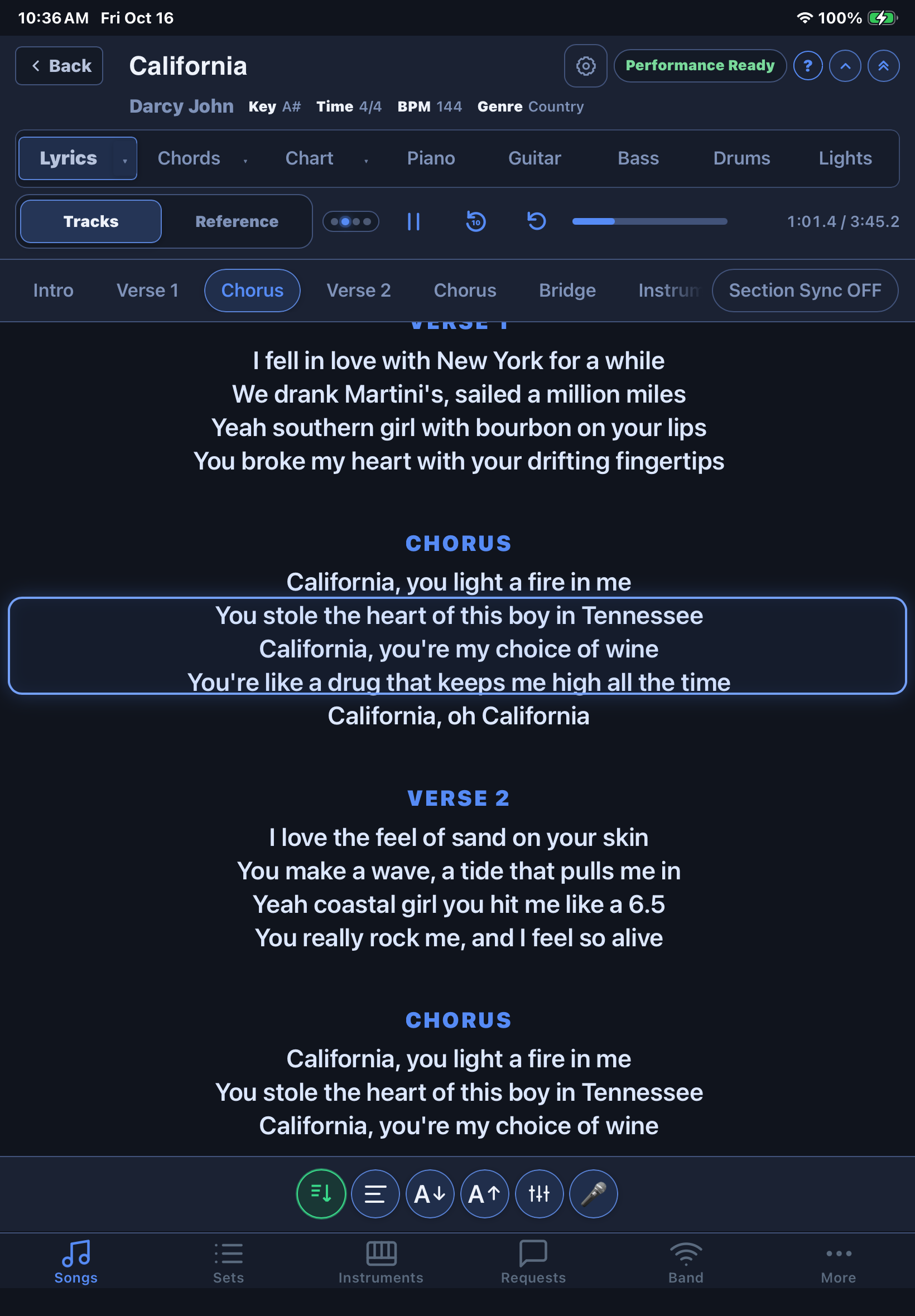
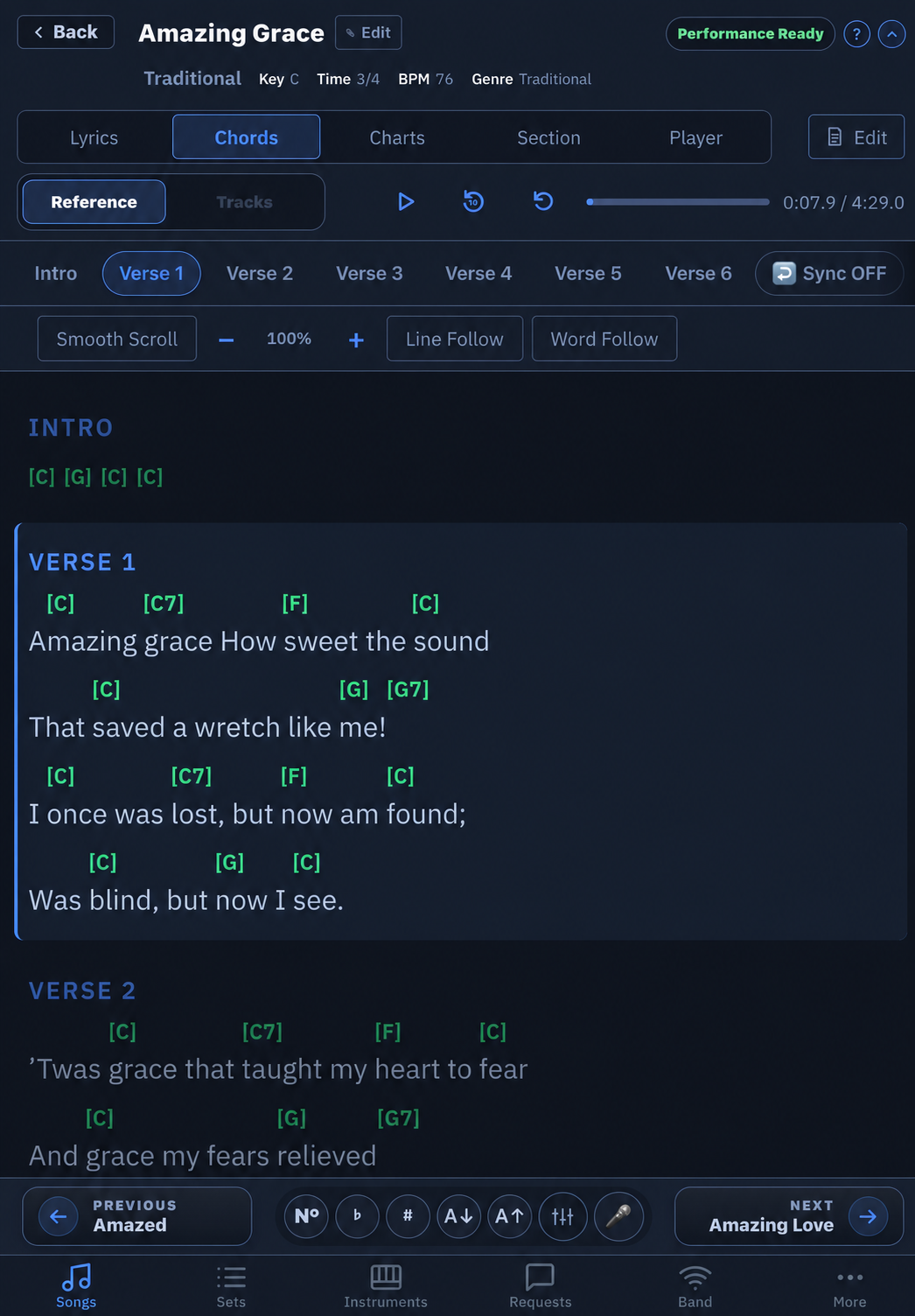
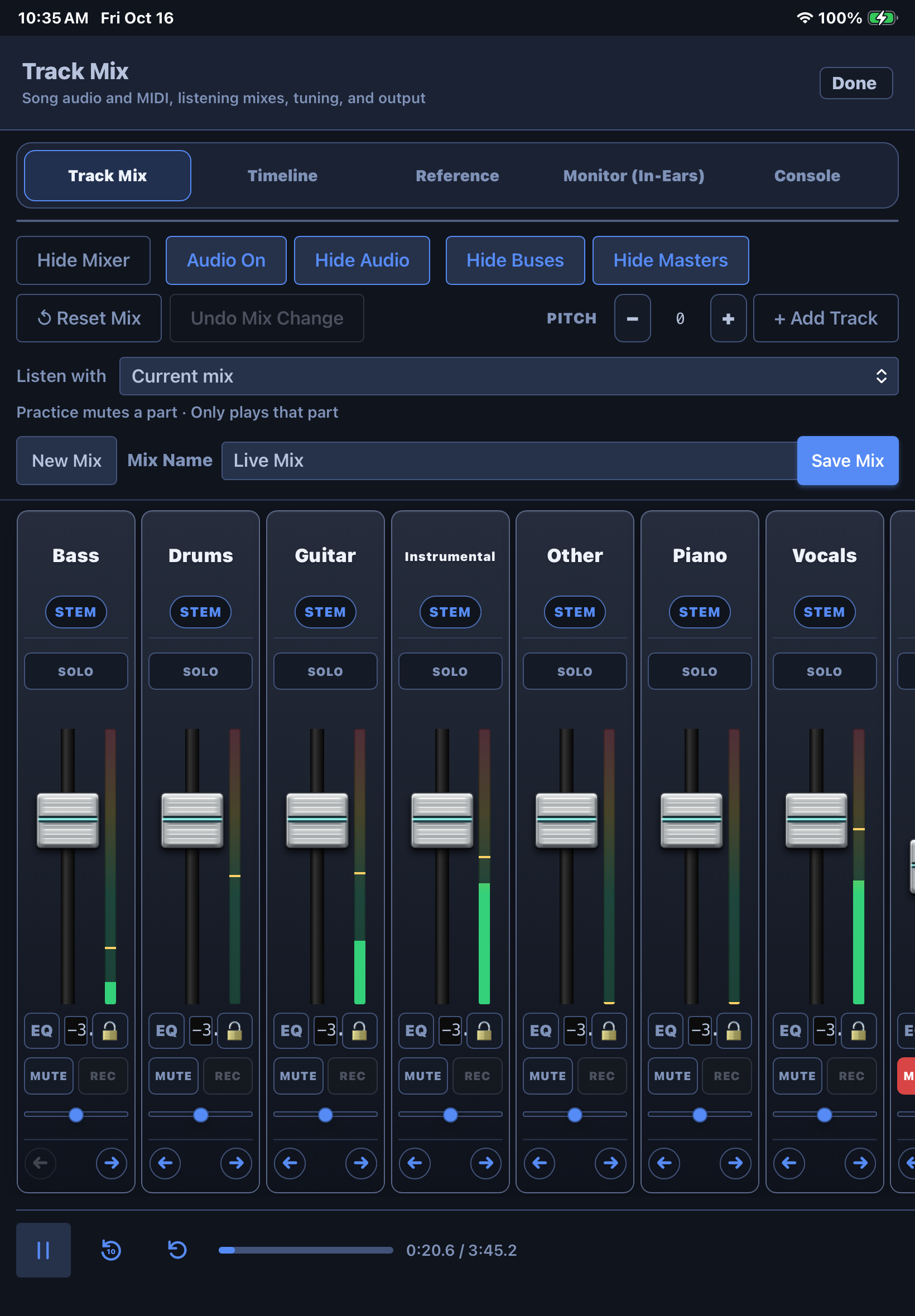
Lyrics, positioned chords, reviewed song charts, live section highlighting, and synchronized audio/MIDI mixing, built for a music stand or tablet on a mic stand.
Earlier preparation walkthrough
This earlier walkthrough uses a Cuevera sample song to demonstrate preparation concepts. Current step names and navigation are covered in the Getting Started guides.
Earlier setup video: this preparation walkthrough uses the old layout and needs replacement. Use the current written Guide 1 for Song Info, Add files, and the shared Review workspace.
Built for musicians who play live
If you're running a set from a binder, a PDF app, or three separate tools duct-taped together, Cuevera brings song materials and performance controls into one workspace that follows the song.
Gigging bands
Backing Tracks, click-to-drummer routing, drum patterns, and MIDI, light, and mix cues that follow the song measure by measure.
Worship teams
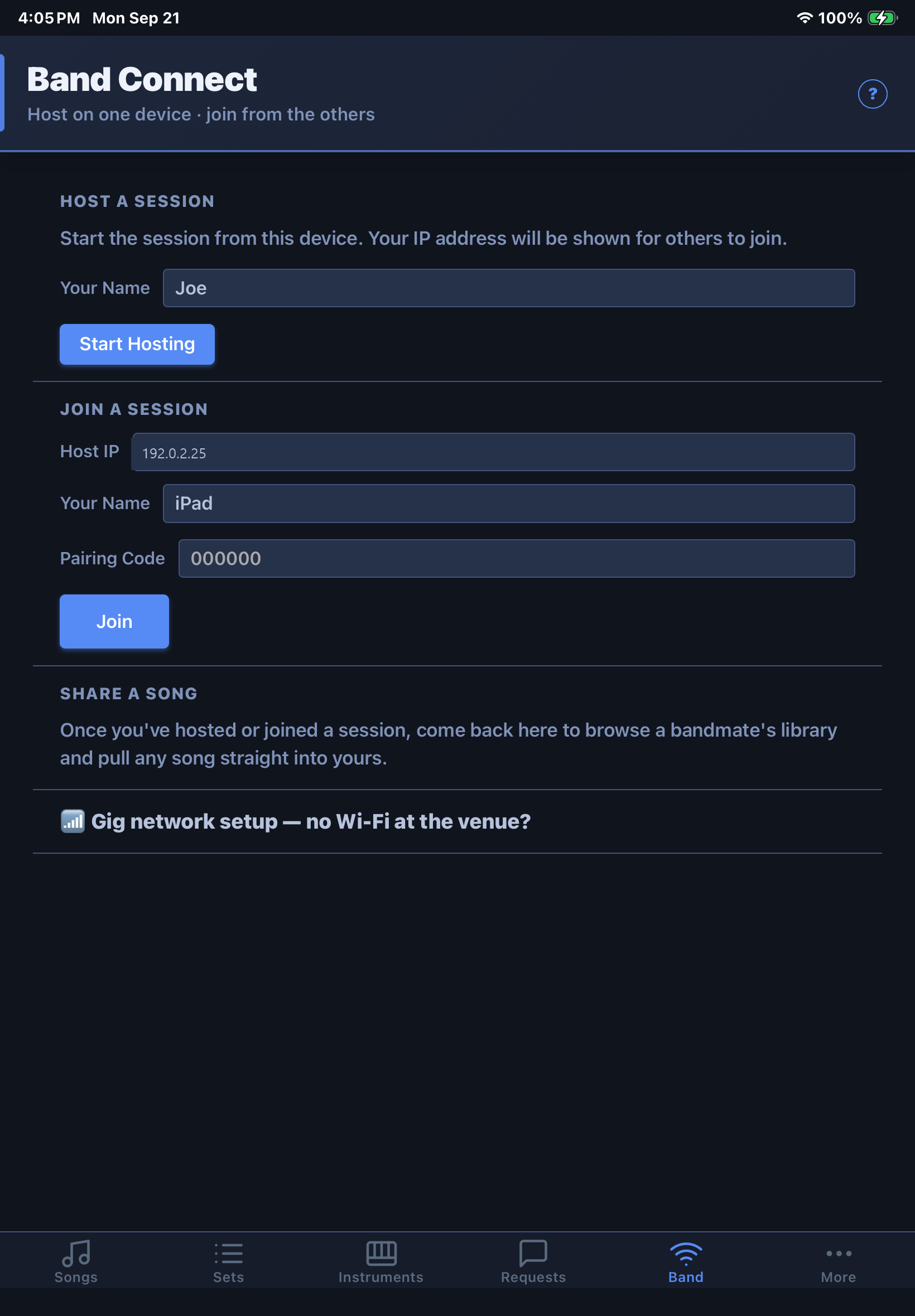
Band Connect keeps every musician's device following the same song and section live over the band's trusted local network.
Solo & duo acts
Multi-stem playback and transpose-on-the-fly mean one performer can sound like a full band.
Tribute & cover acts
Bulk import from OnSong and ChordPro, plus optional key/BPM/genre assistance, helps prepare a catalog for review and rehearsal.
Why Cuevera instead of a lyrics app
Most "lyrics and chords" apps stop at the page. Cuevera runs the whole performance.
| Cuevera | Typical lyrics/chords app | |
|---|---|---|
| Synced backing tracks & multi-stem mixing | Yes | Rarely |
| Automatic per-section MIDI cues to your gear | Yes | No |
| One measure/beat timeline for sections, lyrics, MIDI, lights, mix, instruments, and drums | Yes | No |
| Built-in drum patterns placed on the song timeline | Yes | Rarely |
| Live band sync over local Wi-Fi, no internet | Yes | No |
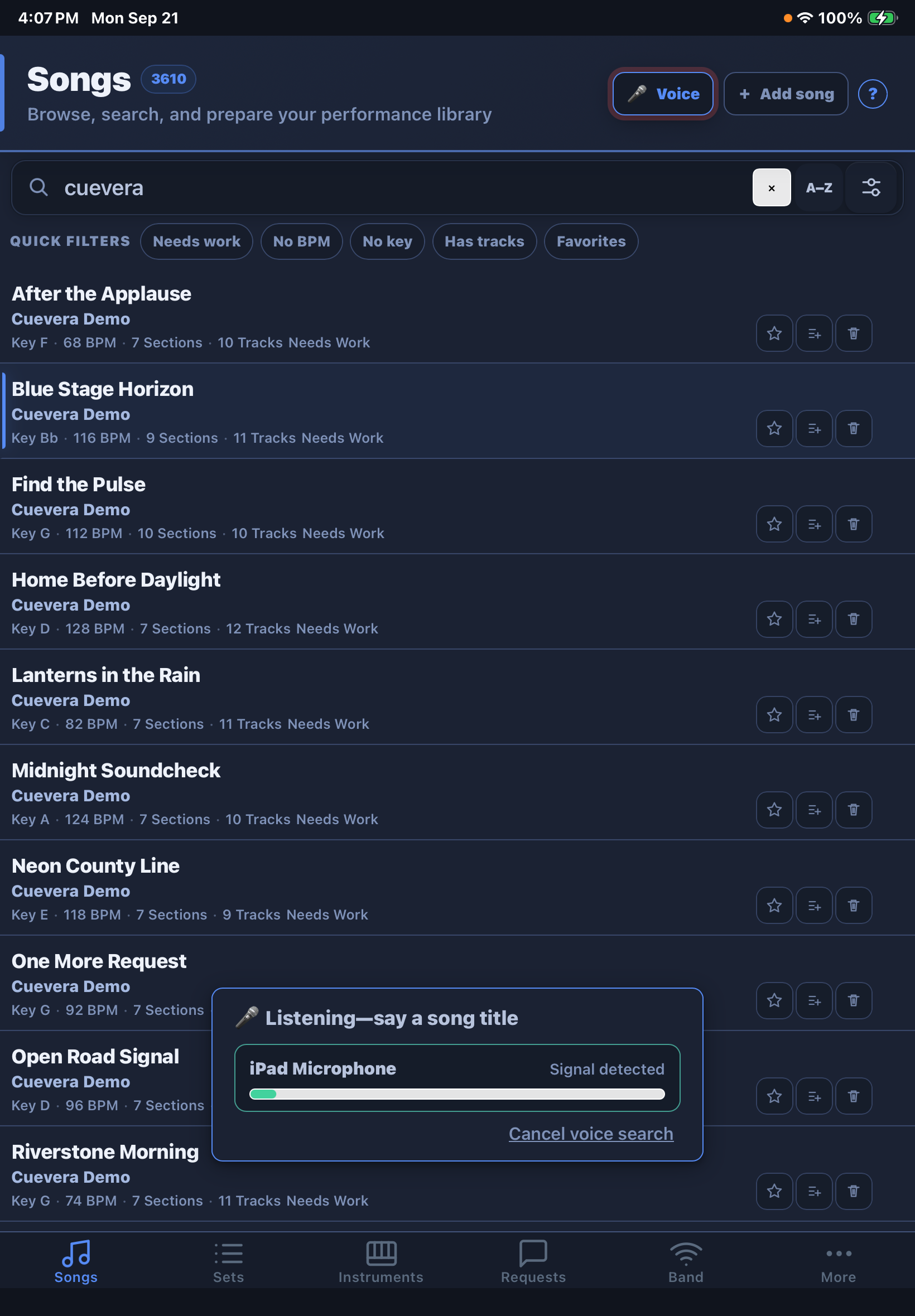
| Say a requested song title and open its complete performance setup | Yes | Rarely |
| Timed text prompts and recorded audio cues | Yes | Rarely |
| On-device section and timing assistance from owned audio | Platform dependent | Rarely |
| Works with no account, no cloud server | Yes | Varies |
What it does
Song library
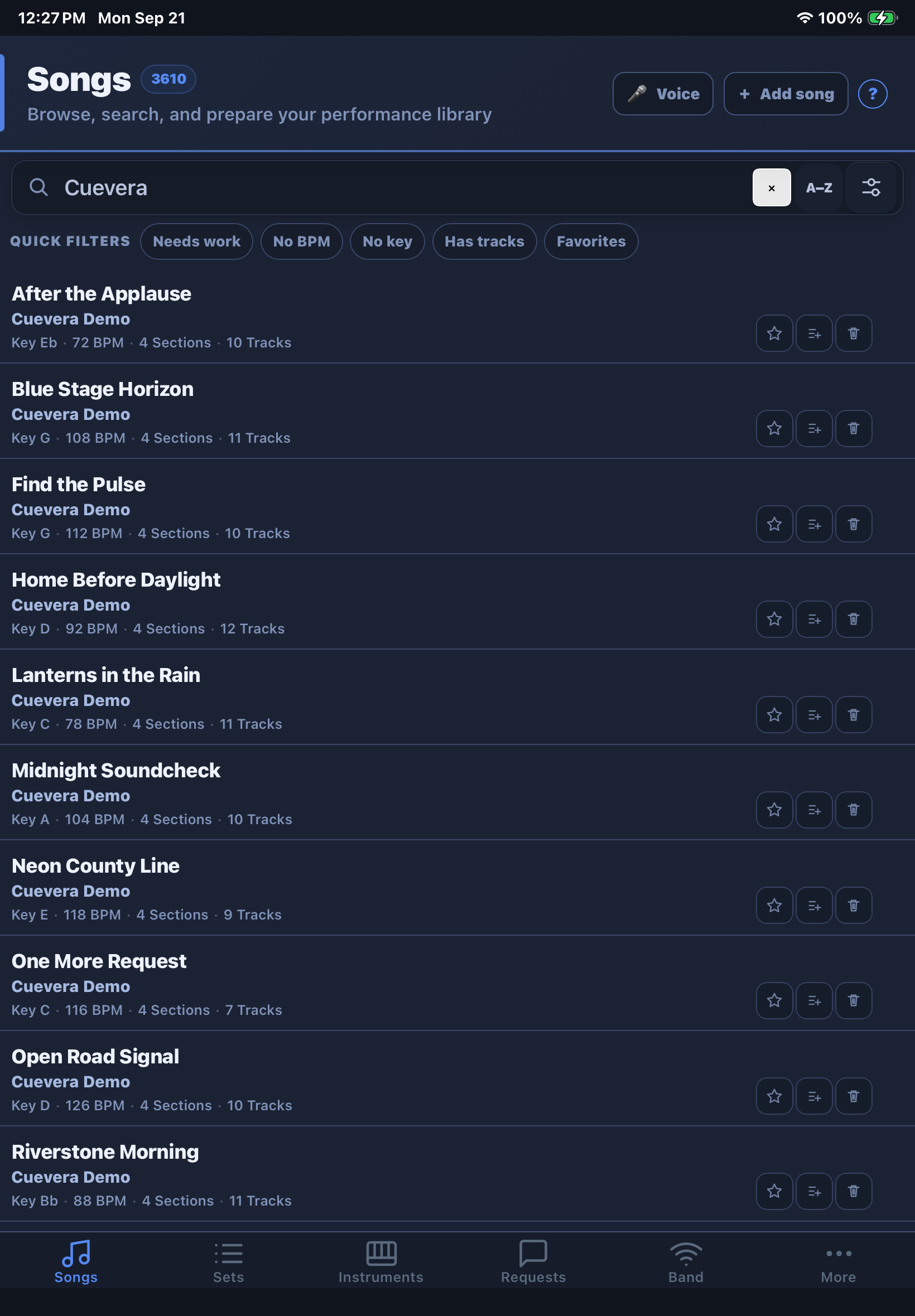
Lyrics and chords in ChordPro-style notation, key, BPM, genre, backing tracks (single file or multiple synchronized Tracks), and section structure — Intro, Verse, Chorus, and beyond — per song.
Performance view
Switch among lyrics, chords, charts, sections, guitar, bass, piano, drums, and lights without stopping the master playback clock. Navigate by touch, voice, MIDI, or pedal.
Fast voice song switching
For request-driven shows, press the microphone or a mapped pedal and say a song title. Cuevera matches the local library and opens the song with its charts, Tracks, routing, and rehearsed cues ready to go.
Backing track playback
Real-time audio with a click-track/music-track split routed to separate outputs — click to the drummer's in-ears, music to the PA — plus pitch-shifted transpose and multi-stem mixing, master volume and limiter controls, Track version history, and Reference playback.
Prepare Song
Start with Song Info and open Add files only when needed. Preview and format Lyrics & Chords, then listen through the shared Review timeline. Supplied words and chords are kept automatically. Save the arrangement you have checked. Start over safely when needed, correct the first downbeat without moving chords away from their audio, and review every proposed change before it replaces the saved performance setup.
Setlists
Build ordered setlists for a gig, drag to reorder, and jump back into your last-viewed song or set instantly next time you open the app.
MIDI integration
Use per-section Program and Control Changes with stage hardware, or play imported MIDI parts alongside a song. Demo MIDI channels load muted so they can be auditioned deliberately.
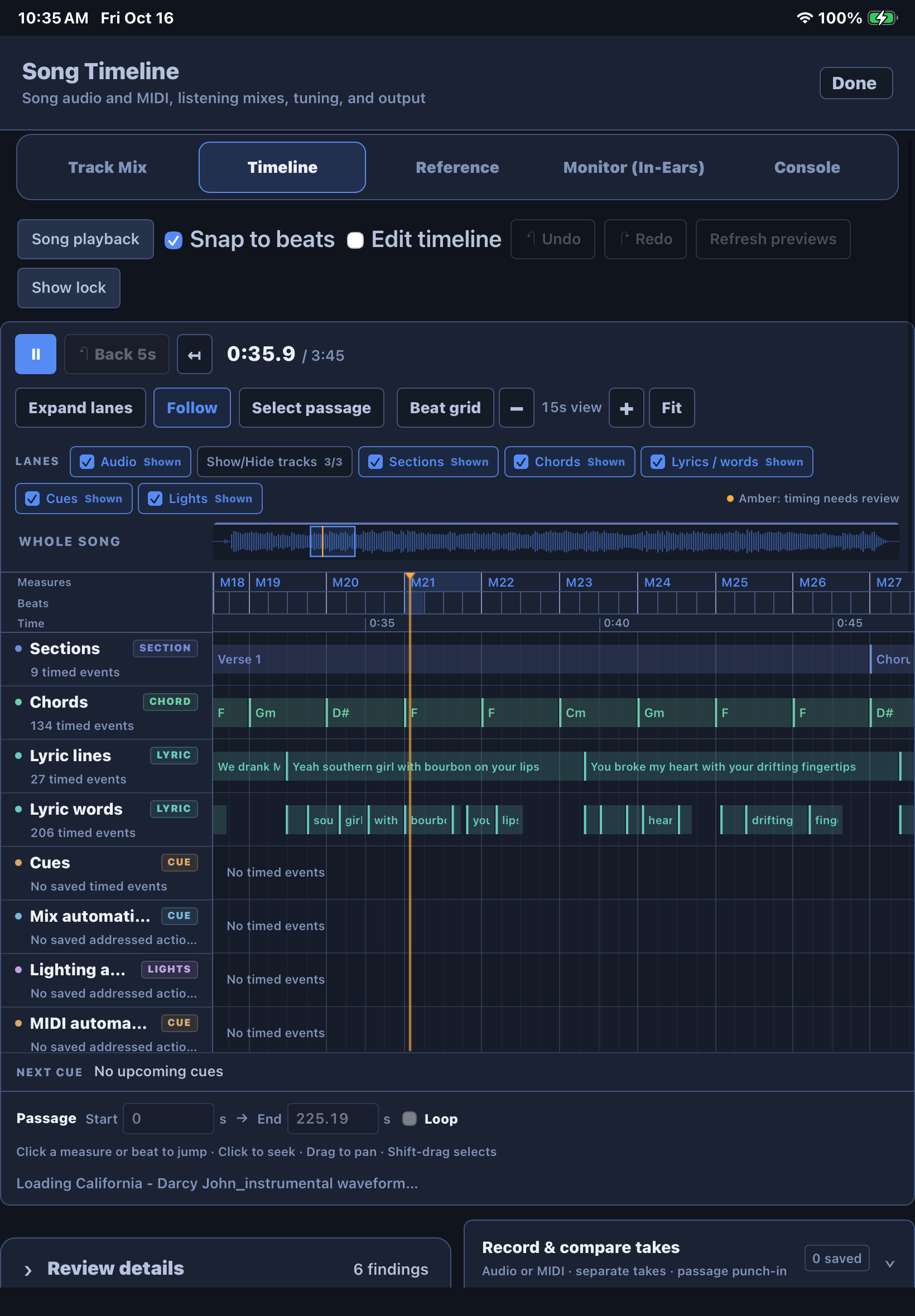
Shared song timeline
Address sections, lyric and chart cues, MIDI, lighting, mix changes, instrument parts, drum clips, Text Cues, and Recorded Cues by measure and beat so every part of the show follows the same clock.
Live BPM without backing audio
Use a silent clock for prepared lyrics, chords, sections, and cues, with Start/Pause, Tap, and tempo controls. Rehearse the arrangement on your show device before performing.
Drum machine
Audition a General MIDI kit, build or import patterns, preview them at the song tempo, and place repeating clips directly on the song timeline.
Personal monitor control
Control a rehearsed Behringer X AIR/X32 or MIDAS M AIR/M32-family monitor bus with model-aware channels, Mute, More Me, protected engineering controls, and live connection feedback.
Band Connect
Pairing-code-authenticated local connections over your own Wi-Fi — no Cuevera cloud required. Bandmates can follow the current song, section, charts, and targeted Text Cues. Full-library synchronization is reserved for the owner's licensed devices; selected-song exchange requires an explicit per-connection grant.
Import & backup
Import OnSong and ChordPro files, plus supported Karaoke-Version Track workflows on Windows, iPhone/iPad, and Android. Band Connect can move songs directly between your own devices on the same local network.
Your library, your device
Cuevera doesn't require an account, and your song library stays on your device. Optional remote Library Sync uses an internet relay when you choose it. Your songs, lyrics, chords, and backing tracks live on your own device — see the Privacy Policy for details.
Pricing
Choose the edition that fits your role. Standard and Pro are one-time licenses for one customer on up to three personal devices. The first year of updates and support is included, with optional renewal after that.
- One customer, up to 3 personal devices
- Song, lyrics, chords, sections, setlists, pedals, and audience requests
- Host or join Band Connect live sessions
- 1 year of updates & support included
- Works fully offline, before and after activation
- Everything in Standard, on up to 3 personal devices
- MIDI automation and live rig control
- Backing Tracks, multi-Track mixing, and advanced playback
- Band Connect library sync and delegated control
- Advanced external and follower displays
Founding users get the full Pro license for $29.99 one-time. Regular Pro price: $59.99. No required subscription.
Planned · In development
- Planned to include all Pro features
- Lyrics and chords on compatible smart glasses
- Designed to follow song changes and lyric timing from Cuevera
- Glasses hardware sold separately
Compatibility is still being tested. Supported models and release timing are not yet confirmed. This option is not available to purchase yet. Email [email protected] to tell us which glasses and devices you use.
- Join a Band Connect session and follow along live
- Full-screen lyrics, chords, and section highlighting
- For an additional bandmate or family member who only needs to follow, not edit the library
Standard and Pro already include Follow mode. This license is for one additional follower-only device.
Optional updates and support are $19.99 per year after the included first year. Your installed version keeps working without renewal. Contact [email protected] for band or volume pricing.
Help shape Cuevera
Cuevera is inviting musicians to test the complete 60-day Pro trial before public release.
Keep your current music app—and give Cuevera a real-world try
You do not have to be looking for a replacement. Download the beta, try it at rehearsal or a performance, and tell us what would make it a better product. Your feedback goes directly to Joe Harmon, a Nashville professional musician building Cuevera around the way working musicians actually perform.
Tell us which platform you use. We will send the appropriate private installation instructions. No payment method is required for the trial.
Windows
Private beta installer and step-by-step setup instructions.
Mac
Native Mac beta for invited testers.
iPhone & iPad
Private beta delivered through Apple TestFlight.
Android
Private beta package and installation guidance for invited testers.